AIkNode Cloud Platform
Overview
The AIkNodeCloud node enables secure MQTT connections between your Node-RED flows and the AIkNode Cloud Platform. This platform provides real-time monitoring, data visualization, and integration capabilities for your IoT devices.
Platform Features
Core Features - Real-time visualization - Interactive data charts - Third-party integrations - Unified monitoring interface
Universal Compatibility - Works with all Node-RED nodes - Supports multiple data sources
Key Benefits - Easy flow monitoring - Multi-source data analysis - Visual data tracking - Quick setup and configuration
Getting Started
1. Platform Registration
To get started with the AIkNode Cloud Platform:
-
Visit our registration page
-
Fill out the registration form:
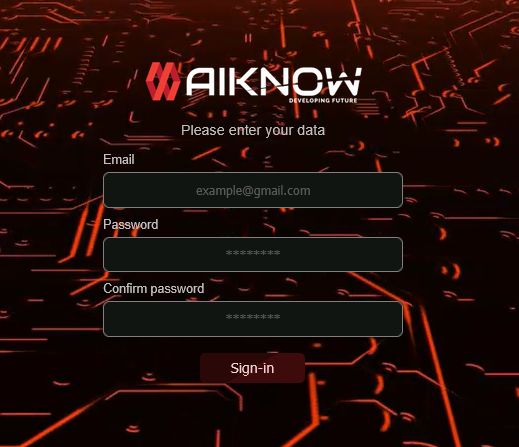
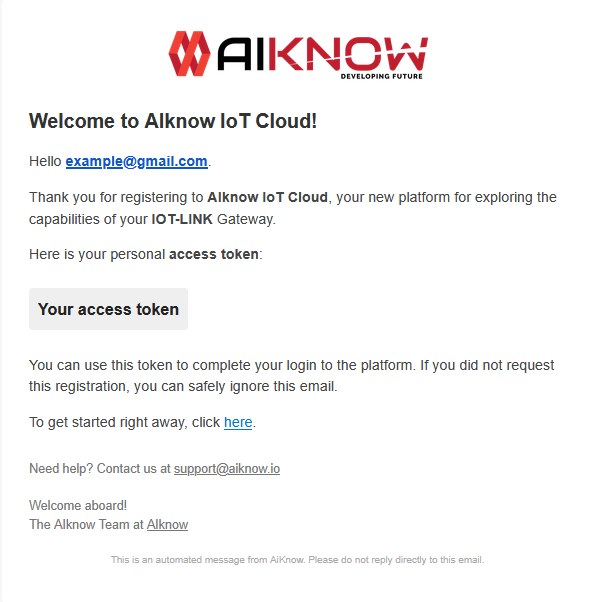
- After submitting, you'll receive your access token via email:
2. Platform Access
After registration, you can access the platform through the login page:
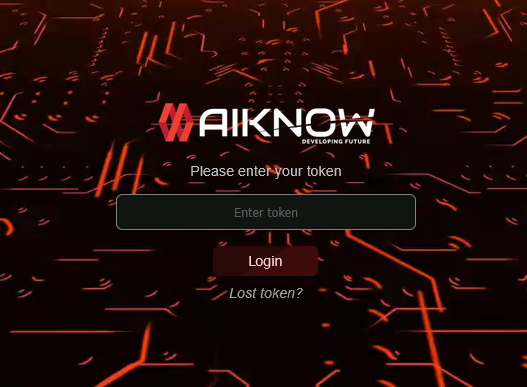
Important: Keep your access token secure - it's required to authenticate your Node-RED flows with our platform.
Token Management
If you lose your token: - Click lost token below the login button
- Complete the form with your registration details:
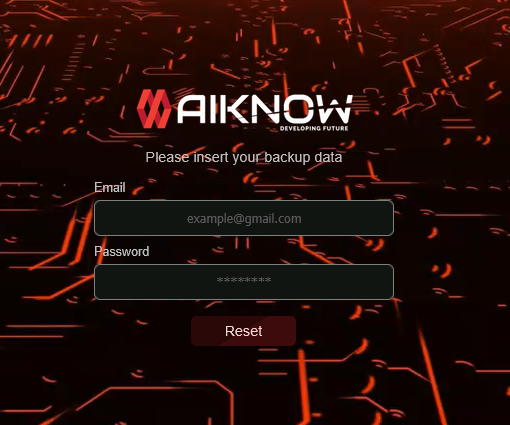
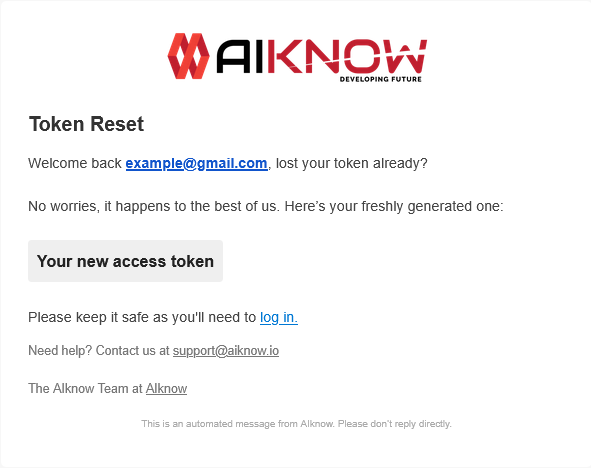
- You'll receive a new token via email:
3. Node Configuration
To connect your flows to the platform:
-
Add an
AIkNodeCloudnode to your flow -
Configure it with:
- Your authentication token
-
A unique device name
-
Connect it to your nodes
Integration Guide
The IOT-LINK nodes package is designed for seamless integration with the entire Node-RED ecosystem. Here's how to integrate your nodes with our cloud platform:
Standard Compatibility
All nodes in our package output standardNode-RED messages, ensuring compatibility with any other Node-RED library.
Example: Modbus Integration
For example, let's walk through integrating a Modbus read operation with our cloud platform, first of all:
-
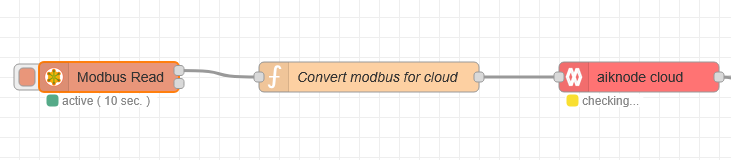
Set up your Modbus read node:
-
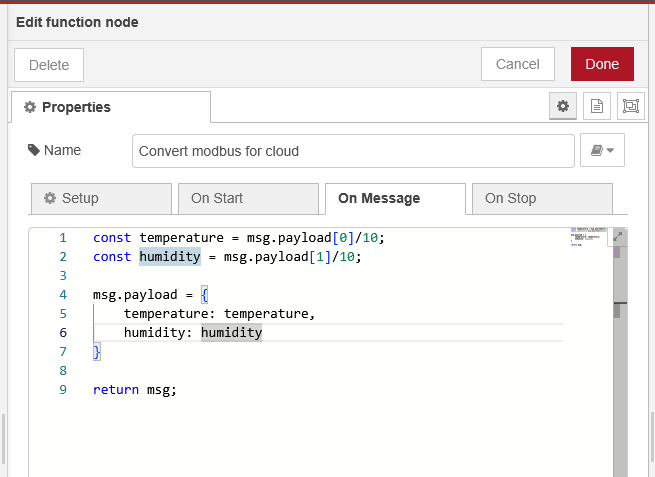
Add a function node:
Place a standard Node-RED function node between your Modbus read node and the AIkNode Cloud node to format your data.
-
Verify in the cloud platform:
If everything is configured correctly your data will appear in the platform's interface:
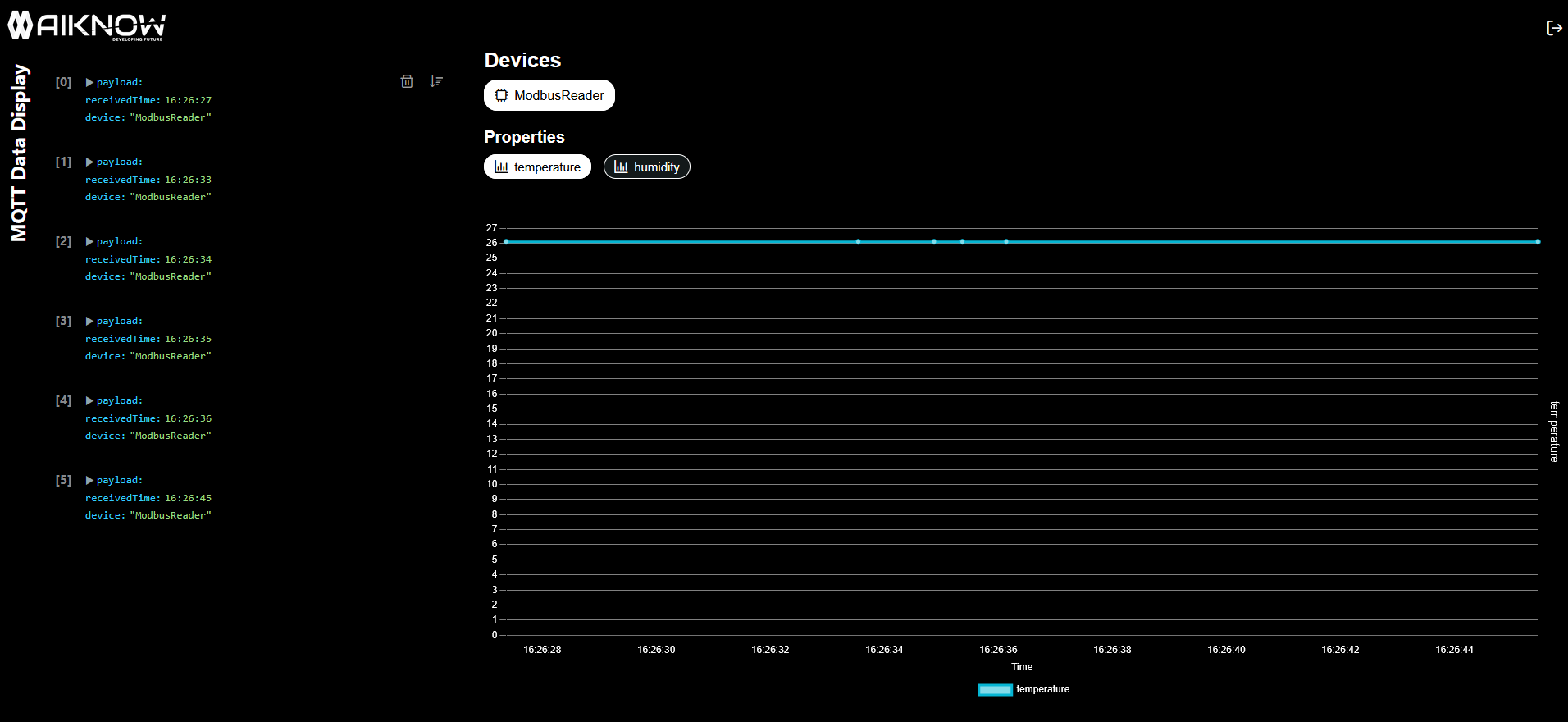
As you can see the AIkNode Cloud platform accepts any properly structured object, making it flexible for various data sources while maintaining a standardized visualization and analysis interface.